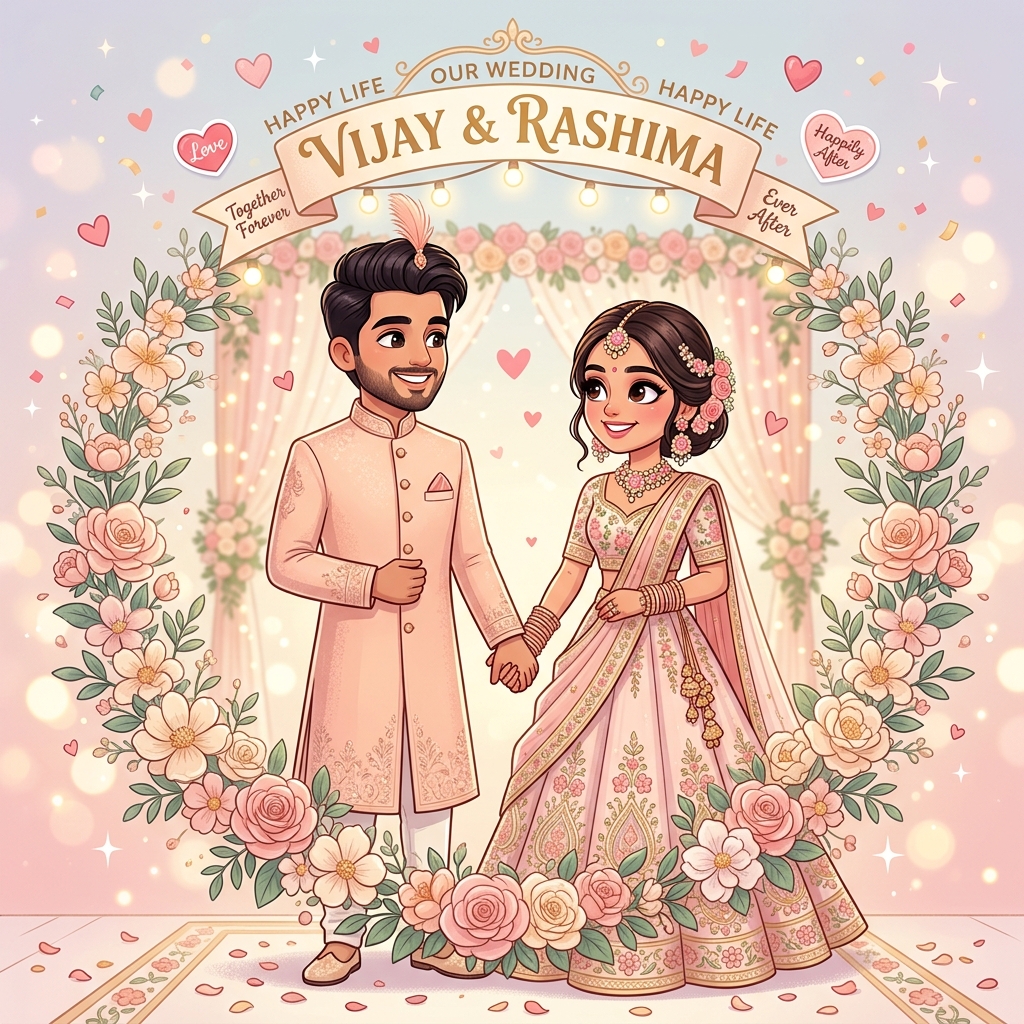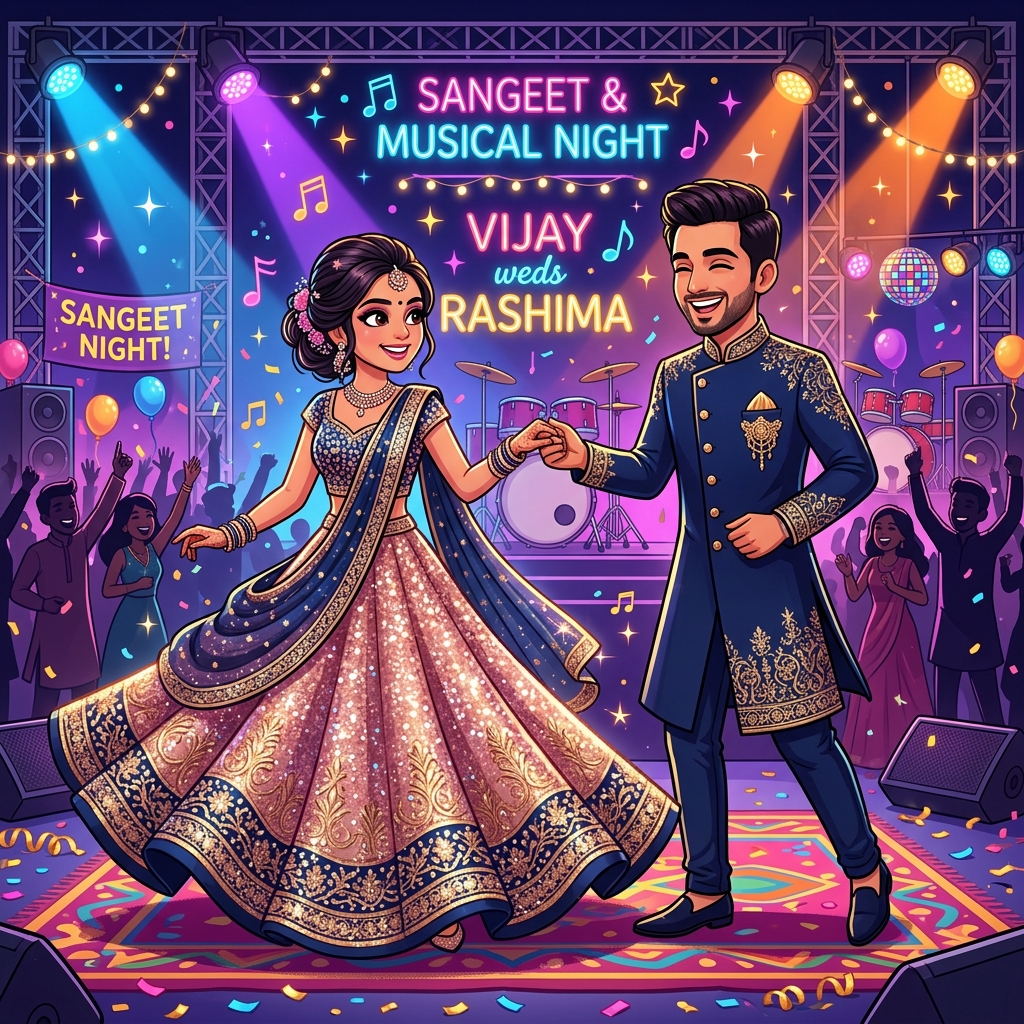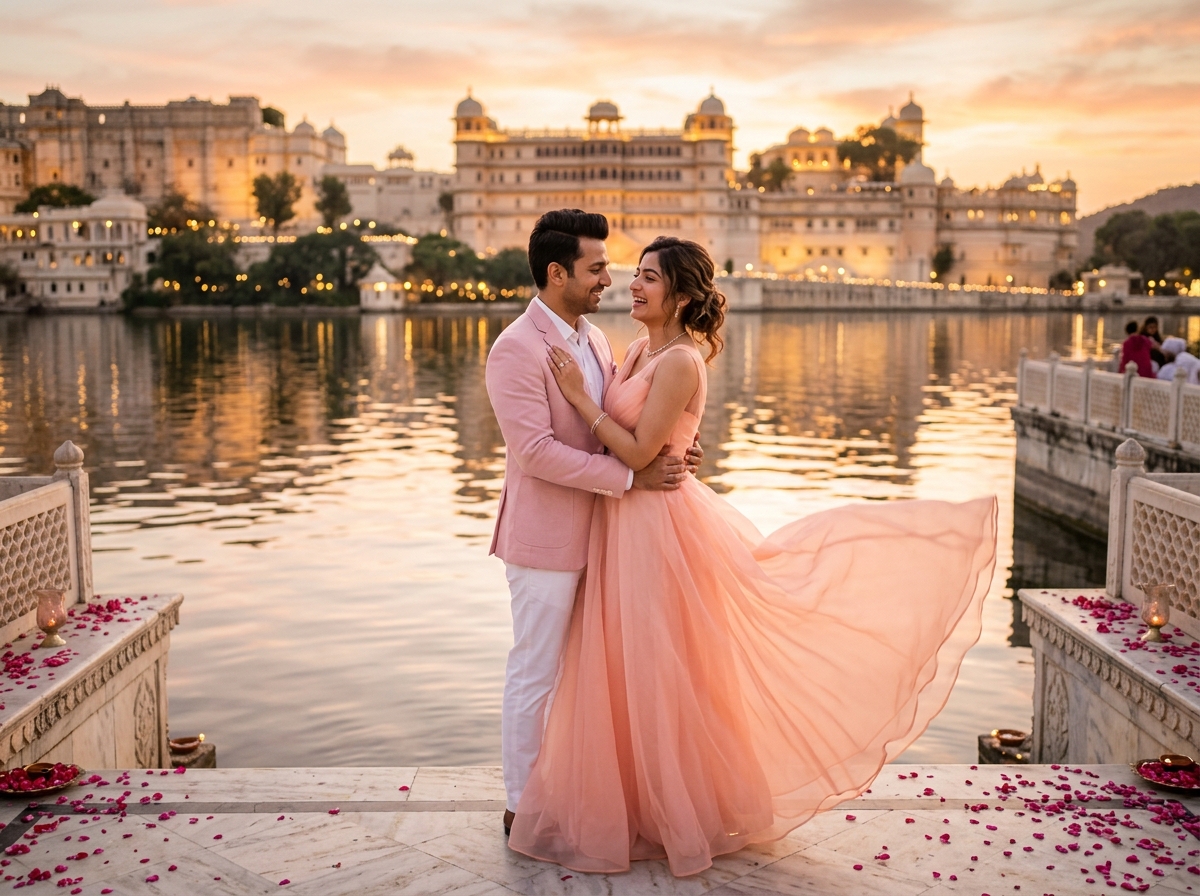
Wedding Invitation Video Free: Best Ways to Create a Beautiful Digital Invite
Weddings are expensive enough without adding a hefty design bill for something you could reasonably create yourself. The good news is that creating a ge...
Weddings are expensive enough without adding a hefty design bill for something you could reasonably create yourself. The good news is that creating a genuinely beautiful wedding invitation video for free is entirely possible today, provided you know which tools to use and how to work around their limitations. Here's a practical breakdown.
Weddings are expensive enough without adding a hefty design bill for something you could reasonably create yourself. The good news is that creating a genuinely beautiful wedding invitation video for free is entirely possible today, provided you know which tools to use and how to work around their limitations. Here's a practical breakdown.
Free Tools That Actually Work Well
Canva's free tier offers a surprisingly large selection of wedding invitation video templates that you can customize without paying anything, as long as you stick to non-premium elements. You get access to basic animations, a decent font library, and royalty-free background music tracks.
CapCut, originally built for short-form video editing, has become popular for wedding invitations too, offering free animated text, transitions, and music, with an interface that's beginner-friendly even if you've never edited video before.
Google Slides, surprisingly, can also be used creatively — you can design frame-by-frame animations and export the presentation as a video, which works well for simpler, typography-focused invites.
Step-by-Step: Making a Free Video Invite in Canva
Start by searching "wedding invitation video" within Canva's template library and filter for free templates specifically, since some visually similar ones are locked behind Canva Pro. Once you've picked a template, replace the placeholder text with your actual wedding details, keeping sentences short since screen space is limited.
Swap in your own photos if the template includes photo placeholders, and adjust the color scheme to match your wedding's palette using the free color picker tool. For music, browse Canva's free audio library and choose something that matches your invite's tone, then preview the entire video on Canva's built-in player before exporting.
Export in MP4 format at the highest free quality setting available, and always double check the file plays correctly on your phone before sending it to guests.
Getting Around Common Free-Tool Limitations
Free templates often come with a limited selection of premium fonts, animations, or music tracks not being available. Work around this by keeping your design intentionally simple and clean rather than trying to force in effects that require an upgrade — minimalist, well-executed designs frequently look more elegant than cluttered ones stuffed with mismatched free elements anyway.
Watermarks can also be an issue with some free tools, so always preview your final export carefully to make sure no branding or watermark accidentally appears on your finished invitation video.
Free Stock Resources for Music and Graphics
For background music, platforms like Pixabay and YouTube's Audio Library offer genuinely free, royalty-free tracks safe to use even if you plan to post the video publicly on Instagram. For additional graphics or icons, Canva's free elements library, along with sites like Freepik's free tier, offer wedding-appropriate illustrations, borders, and motifs at no cost.
Always double check licensing terms before using any external asset, particularly if your invitation video will be shared publicly rather than just privately with guests, since commercial usage rules can differ from personal usage rules even on free platforms.
When Free Tools Aren't Quite Enough
If you find yourself wanting fully custom illustrations, 3D animation, or professional voiceover work, free tools will eventually hit their limits. At that point, it's worth considering either a low-cost freelance designer for a one-time custom project, or simply accepting that your free version, while not identical to a premium studio production, is genuinely good enough — because ultimately, what matters most to your guests is the warmth and information in your invitation, not whether it was made with paid software.
Tips to Make a Free Video Invite Look More Premium
Keep your color palette limited to two or three complementary colors rather than using every color available, which instantly makes any design look more polished and intentional. Use consistent font pairing throughout — one font for headings, one for body text — rather than mixing multiple decorative fonts. Add subtle rather than excessive animation; a gentle fade or slide often looks more elegant than a busy, effect-heavy transition.
Finally, always review your invitation on an actual phone screen before sending, since that's where the vast majority of your guests will view it, and issues with text size or readability are much easier to catch this way than on a laptop screen.
Final Thoughts
You genuinely don't need a big budget to create a wedding invitation video that looks thoughtful and beautiful. With the right free tools, a bit of patience, and attention to the small details — consistent fonts, clean colors, correct spellings — you can put together something your guests will love, without spending a single rupee on design software or a professional studio.
Need a wedding invitation that feels like you?
Explore our shareable digital cards and website templates, or tell us about your celebration directly on WhatsApp.
Chat on WhatsApp