Wedding Website Photo Gallery Ideas with Lightbox Effect
Showcase your photos beautifully with wedding website photo gallery ideas featuring a lightbox effect. Layouts, tips, and inspiration for a stunning gallery.
Your photos tell your love story better than words ever could, and a well-designed gallery makes them shine. Add a lightbox effect, and your images open into a beautiful full view with
Your photos tell your love story better than words ever could, and a well-designed gallery makes them shine. Add a lightbox effect, and your images open into a beautiful full view with a single tap. Here are wedding website photo gallery ideas with the lightbox effect to help you showcase your memories in the most stunning way.
What Is a Lightbox Effect?
A lightbox effect is a popular way to display photos on a website. In a gallery, images appear as small thumbnails. When a guest taps a photo, it opens into a larger, focused view — often with the background gently dimmed — putting the spotlight entirely on that image.
Guests can then swipe or click through the enlarged photos one by one. It's an elegant, immersive way to view images, giving each photo the attention it deserves without cluttering the page. The lightbox keeps your gallery clean while letting guests enjoy every image up close.
Why a Lightbox Gallery Elevates Your Invitation
A lightbox gallery does more than display photos — it enhances the entire experience. Thumbnails keep your invitation tidy and fast-loading, while the lightbox lets guests dive into any image in beautiful detail.
This combination of neatness and immersion makes your gallery feel polished and professional. It's the same technique used on high-end websites, instantly giving your invitation a premium, thoughtfully designed quality.
Photo Gallery Ideas With Lightbox
Here are creative ways to structure and style your gallery for maximum impact.
1. The Pre-Wedding Shoot Showcase
If you've had a pre-wedding photoshoot, your gallery is the perfect place to display it. Arrange your best shots as thumbnails, and let guests tap to view each one in full through the lightbox.
A curated selection of your favourite pre-wedding images creates a stunning visual centrepiece that guests love exploring.
2. The Love-Story Journey
Arrange your photos chronologically to tell your story — from early days to the present. As guests tap through the lightbox, they journey through your relationship, seeing how your love has grown.
Pairing this with short captions adds context and emotion, turning your gallery into a heartfelt narrative.
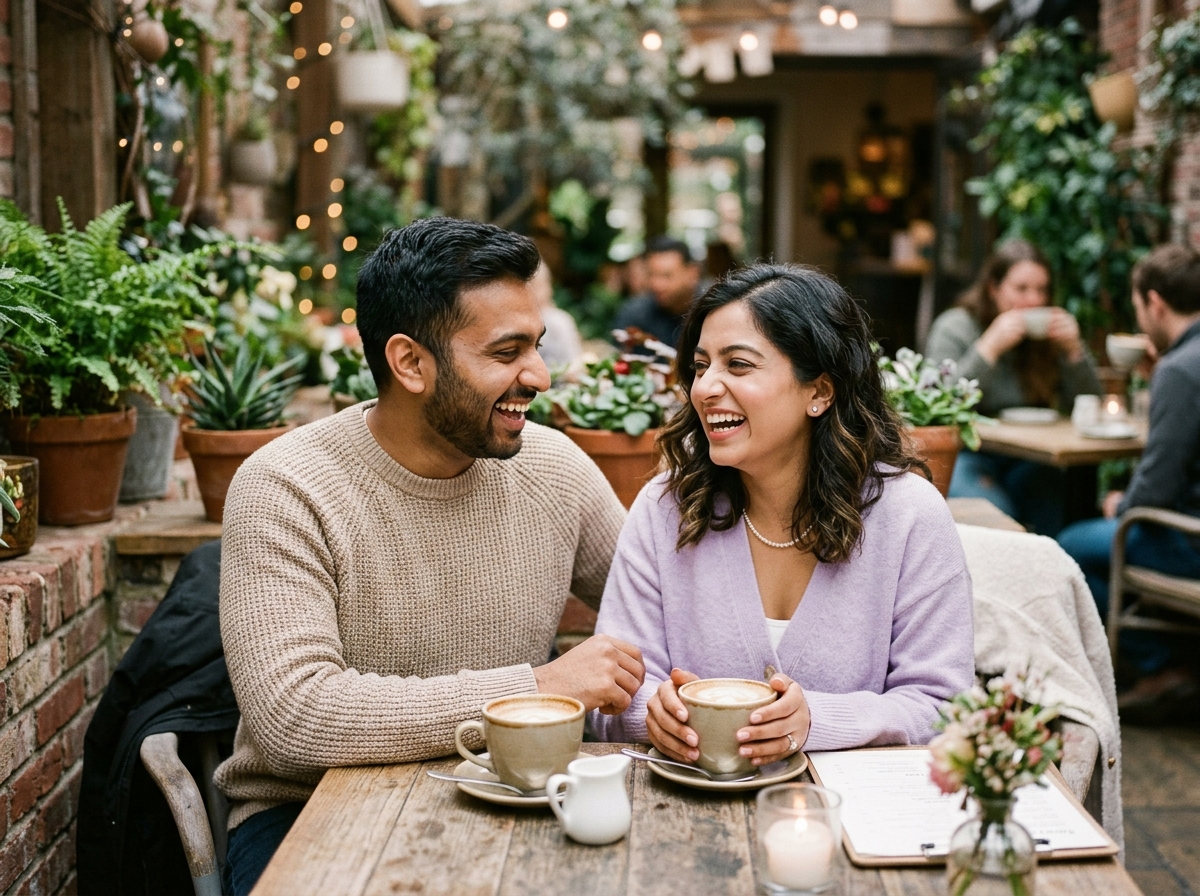
3. The Candid Moments Collection
Mix in candid, unposed photos — laughing together, quiet moments, silly snapshots. These authentic images capture your real personalities and add warmth.
Viewed through the lightbox, candid shots feel intimate and genuine, giving guests a true sense of who you are as a couple.
4. The Themed Grid
Organise your gallery into a clean, uniform grid of thumbnails for a modern, polished look. When guests tap any image, the lightbox opens it beautifully. A neat grid feels contemporary and lets your photos speak for themselves.
This structured approach works especially well when you have a cohesive set of high-quality images.
5. The Highlight Reel
Rather than including every photo, curate a tight selection of your absolute best images. A focused highlight reel of ten to fifteen stunning shots often has more impact than a sprawling gallery.
Through the lightbox, each carefully chosen image gets full attention, creating a memorable, high-quality showcase.
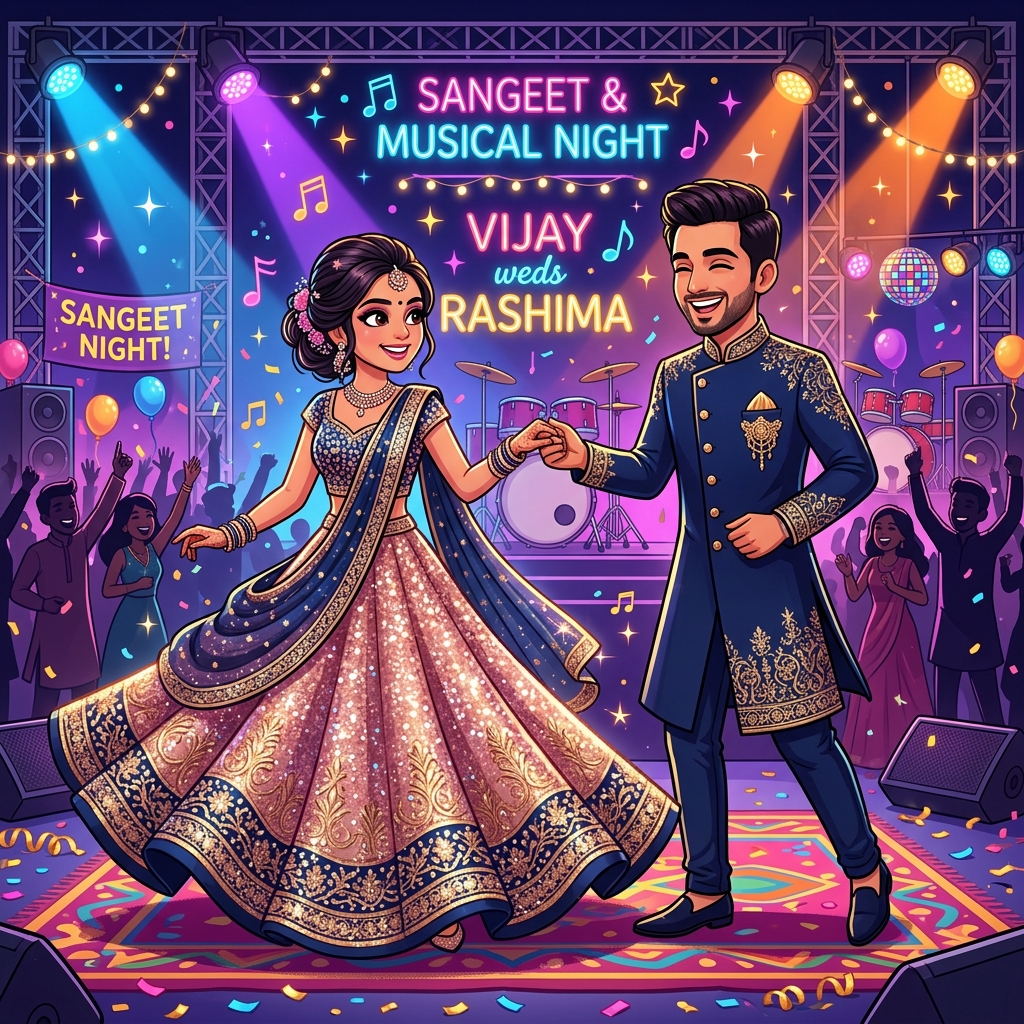
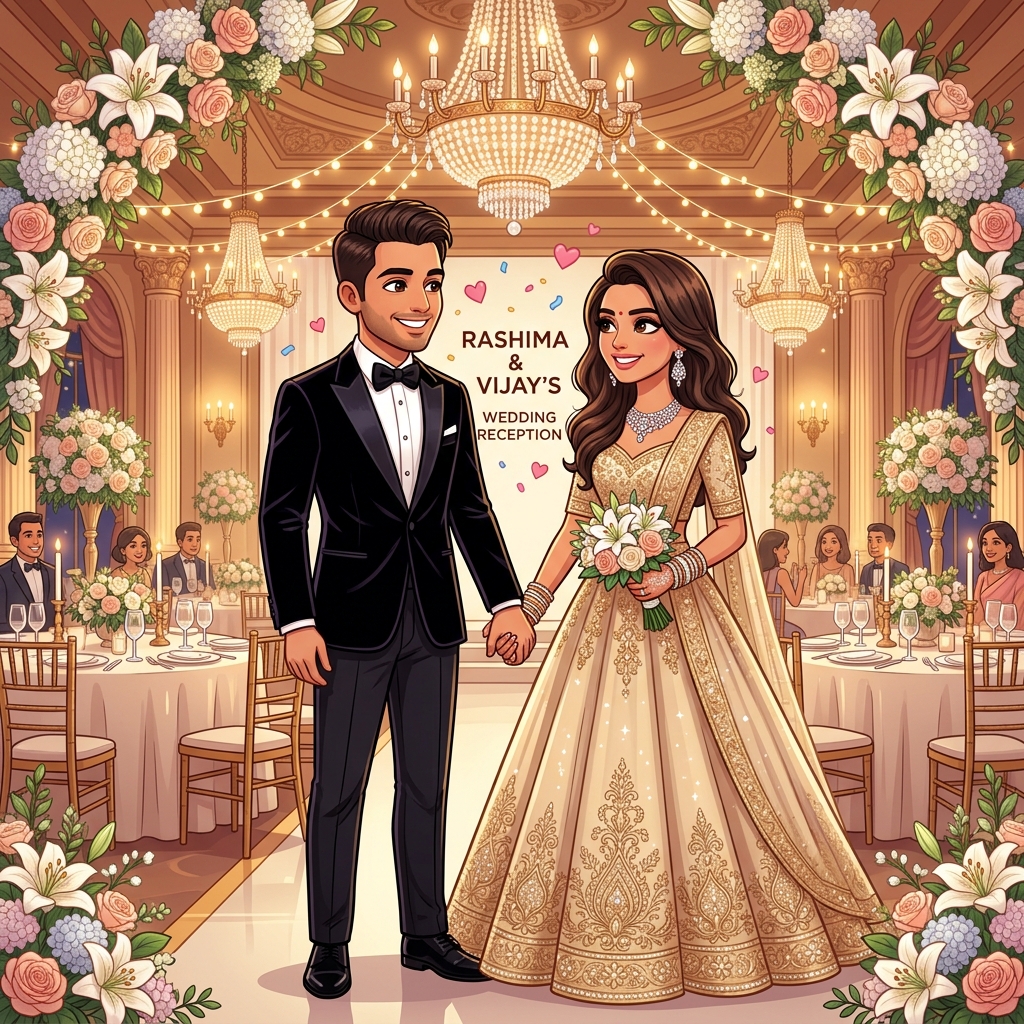
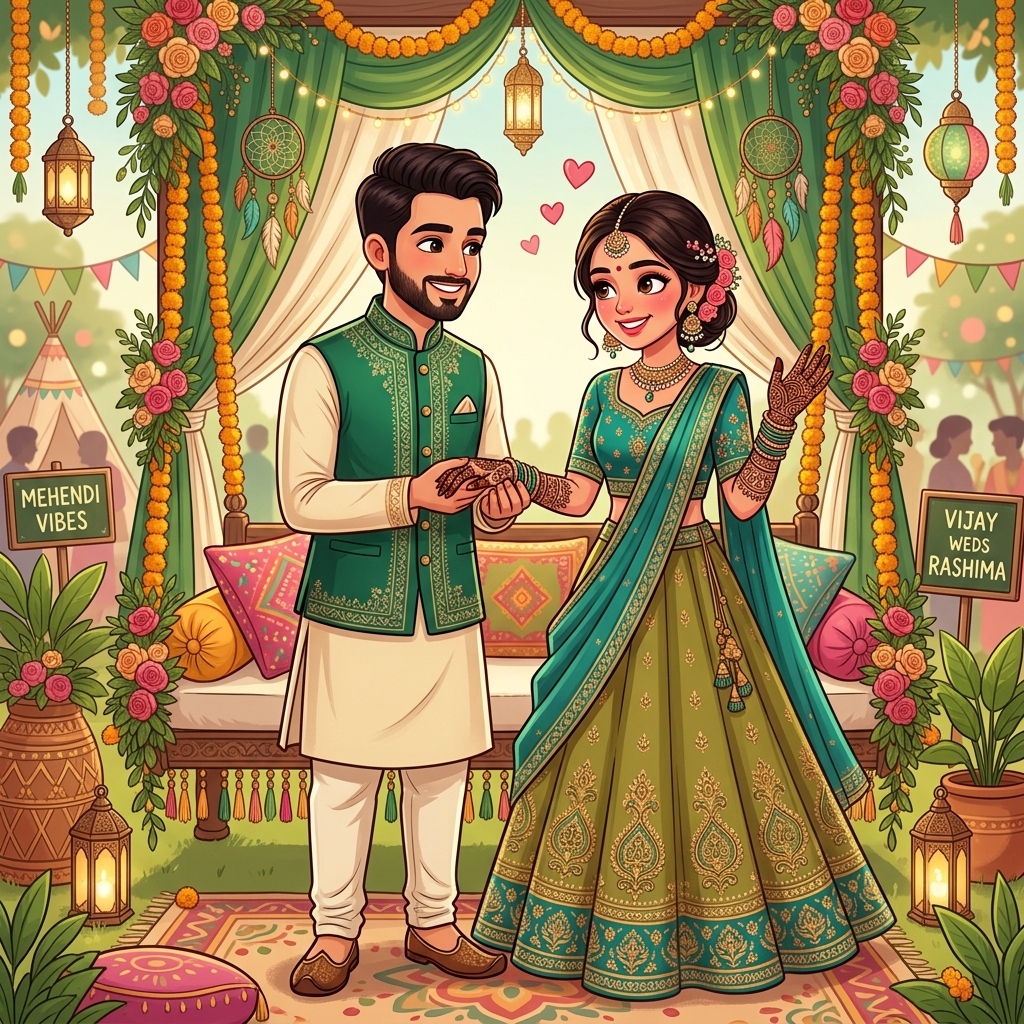
6. The Event Preview
If you've had engagement or ceremony events already, showcase highlights in your gallery. Guests get a preview of the celebration and a sense of the joy to come.
This builds excitement and gives guests a taste of your wedding's atmosphere through beautiful, tappable images.
Tips for a Stunning Lightbox Gallery
To make your gallery truly shine, keep these tips in mind:
Use high-quality photos. Clear, well-lit, high-resolution images look far more premium in a lightbox view. Quality matters more than quantity.
Curate carefully. Choose your best photos rather than including every shot. A tight, beautiful selection has more impact than an overwhelming gallery.
Keep a consistent style. Photos with a similar tone or editing style create a cohesive, professional look throughout your gallery.
Order thoughtfully. Arrange your images in a way that flows well, whether chronologically for a story or by visual harmony for a grid.
Optimise for mobile. Since most guests view on phones, ensure your thumbnails and lightbox look great on small screens.
Balancing Photos With Performance
While you might want to include many photos, remember that guests view on phones, and a gallery that's too heavy can load slowly. The lightbox approach helps here — thumbnails keep the page light, and full images load only when tapped.
A well-optimised gallery with a curated selection loads quickly and looks stunning, giving guests a smooth, enjoyable experience.
Where the Gallery Fits on Your Website
A photo gallery works beautifully in the middle of your invitation, after guests have seen your names and perhaps read your story. It gives them a visual celebration of your relationship before they move on to event details and RSVP.
As part of a complete wedding website, the gallery complements your other features — your love story, countdown timer, and venue maps — creating a rich, engaging invitation guests love to explore.
Create Your Stunning Photo Gallery
If you want to showcase your photos in a beautiful gallery with a smooth lightbox effect, the right wedding website makes it easy. Explore the designs and features at shubhvivadigitalinvitation.store to create an invitation with an elegant, immersive photo gallery.
Let your photos tell your story — and give your guests a gallery they'll love scrolling through, one beautiful image at a time.
Ready to create your digital invitation?
Choose a design, personalise it with your celebration details, and share one beautiful link with every guest.
Choose a Wedding Plan