AI Wedding Invitation: How to Create Stunning Wedding Invites with AI
Two years ago, if you wanted a custom illustrated wedding invitation with the bride and groom drawn in a specific art style, you'd need to hire an illus...
Two years ago, if you wanted a custom illustrated wedding invitation with the bride and groom drawn in a specific art style, you'd need to hire an illustrator and wait weeks. Today, you can generate something similar in minutes using AI tools. The AI wedding invitation trend has genuinely changed how couples approach invite design, and it's worth understanding what's actually possible before you dive in.
Two years ago, if you wanted a custom illustrated wedding invitation with the bride and groom drawn in a specific art style, you'd need to hire an illustrator and wait weeks. Today, you can generate something similar in minutes using AI tools. The AI wedding invitation trend has genuinely changed how couples approach invite design, and it's worth understanding what's actually possible before you dive in.
What Is an AI Wedding Invitation?
An AI wedding invitation uses artificial intelligence tools — usually AI image generators, video generators, or design assistants — to help create the visuals, layouts, or even the entire video for your wedding card. Instead of picking from a fixed template library, you describe what you want, and the AI generates a custom design based on your description.
This could mean anything from an AI-generated illustration of the couple in traditional Indian wedding attire, to an AI-written invitation message in poetic Hindi or English, to a fully AI-assisted animated video.
Why Couples Are Turning to AI for Their Invites
The biggest draw is customization without the cost. Getting a custom illustrated portrait of yourself and your partner used to cost several thousand rupees from an artist. AI tools can generate similar concept art in minutes, often for free or a small subscription fee.
Speed is another major factor. If your wedding planning timeline is tight, AI tools can produce multiple design variations almost instantly, letting you pick and refine rather than waiting days for a designer's first draft.
There's also the appeal of doing something no one else has. Since AI-generated art can be highly specific — your exact outfit colors, your specific pose, your particular background preference — the result often feels more personal than a generic template everyone else at the wedding season is also using.
Practical Ways to Use AI in Your Wedding Invitation
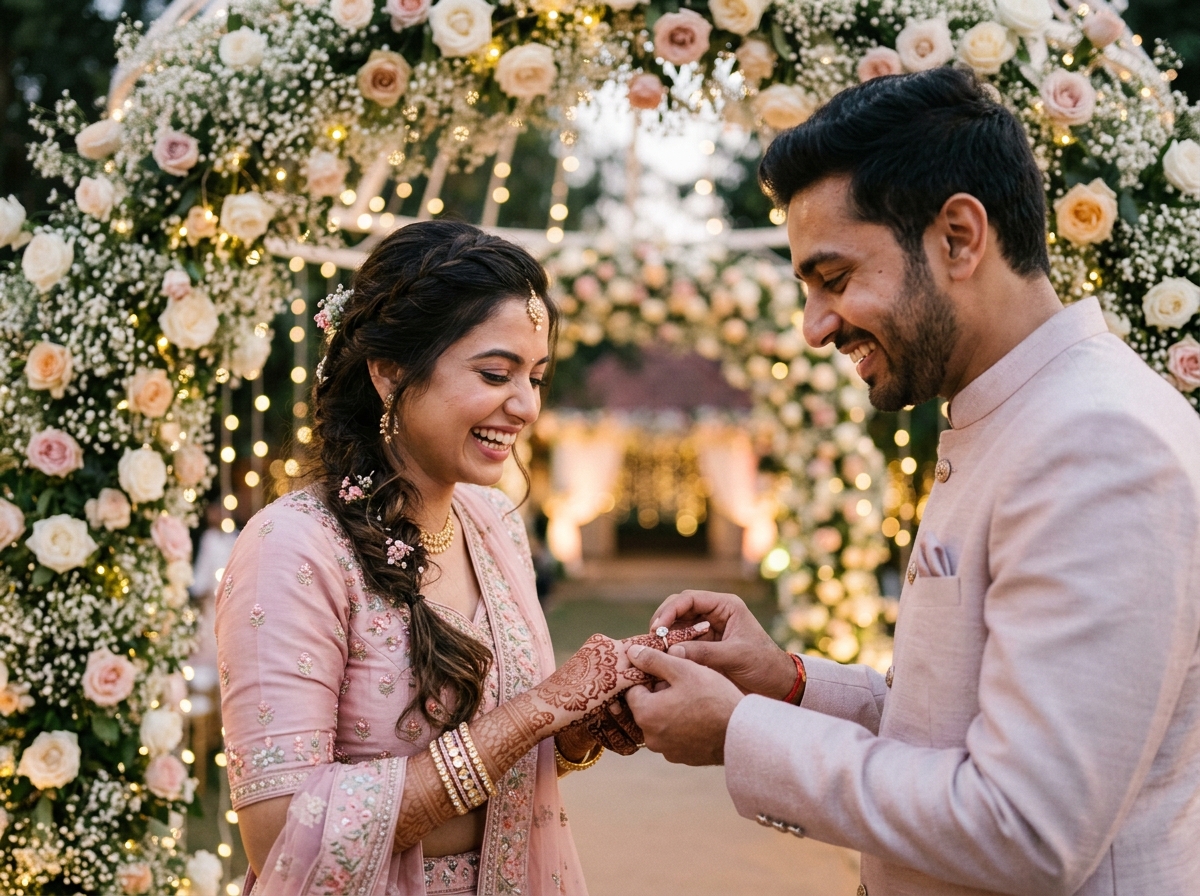
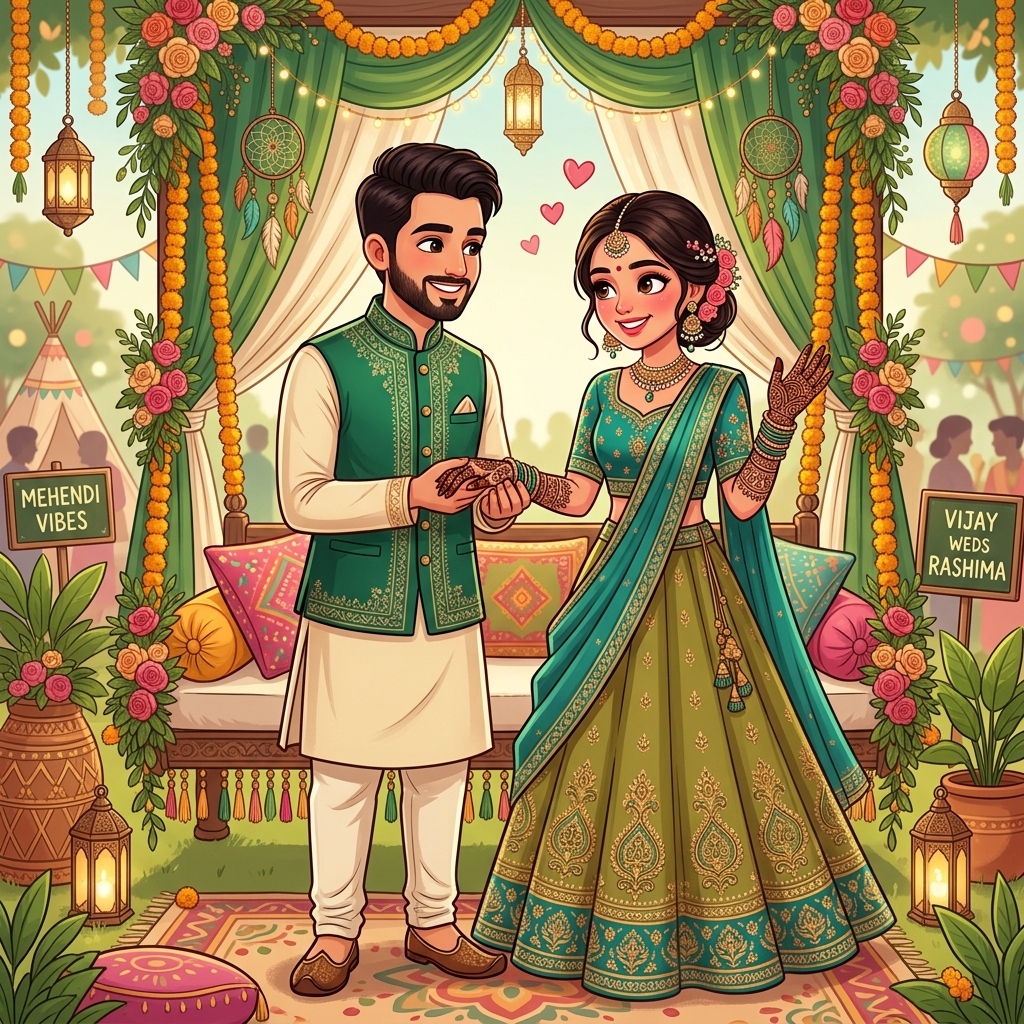
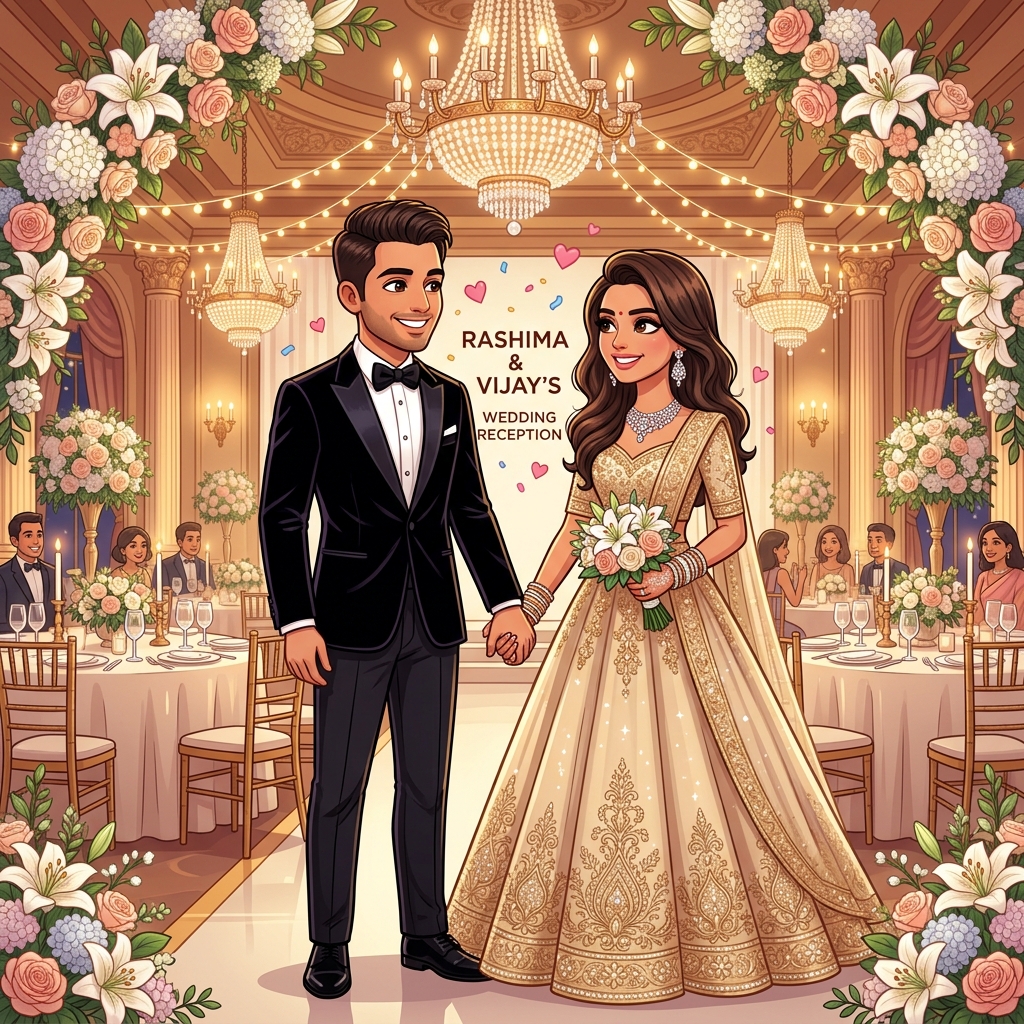
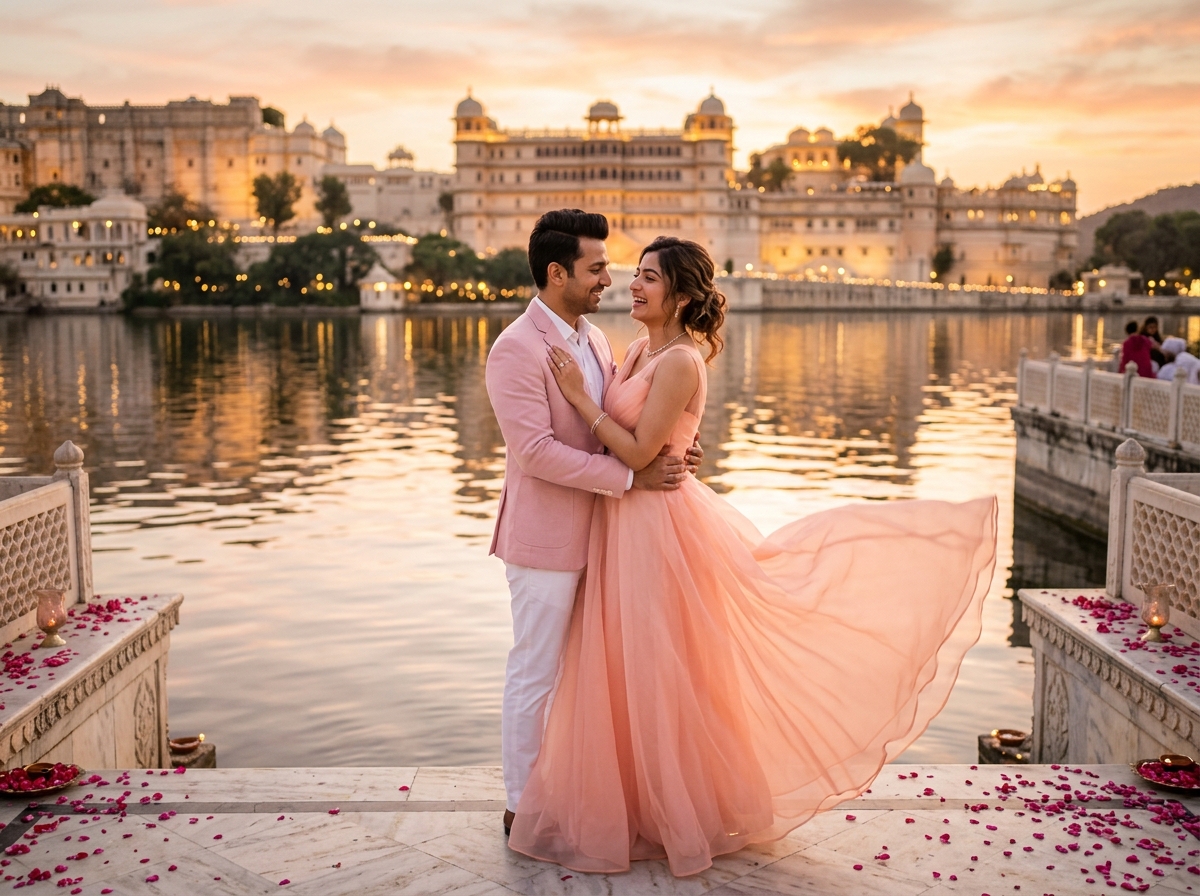
AI image generation can create a custom illustrated version of you and your partner in wedding attire, in styles ranging from realistic to watercolor to comic-book. You describe the outfit, pose, and background, and the tool generates several options to choose from.
AI writing assistance helps draft your invitation wording — whether you want something formal and traditional, or short and modern. This is especially useful if English isn't your first language and you want polished, well-worded text without hiring a copywriter.
AI video tools can now generate short animated clips from a script or a few reference images, useful for couples who want a video invite but don't have design software experience.
AI voice generation can create a warm, professional voiceover for your invitation video in multiple languages, without needing to hire a voice artist or record it yourself multiple times until it sounds right.
Things to Keep in Mind
AI-generated content isn't always perfect on the first try. Faces, especially in group illustrations, can sometimes look slightly off, and text embedded directly into AI images often comes out garbled or misspelled. The safest approach is to use AI for the artwork or background, and add your actual wedding details — names, date, venue — separately using a proper design tool like Canva, where the text stays crisp and editable.
It's also worth being thoughtful about cultural accuracy. AI tools trained mostly on global data don't always get regional Indian wedding details right — the specific drape of a saree, the correct jewelry style for a South Indian bride, or accurate mehendi patterns. Always review the output carefully rather than accepting the first result, and don't hesitate to regenerate with more specific prompts describing your community or region.
A Simple Workflow to Try
Start by describing your vision clearly to an AI image tool — mention the attire, colors, setting, and mood you're going for. Generate a few variations and pick the one closest to what you imagined. Then bring that image into Canva or a similar design tool, layer your actual wedding text on top using a clean, readable font, and export it as your final invite.
For video, you can combine an AI-generated background or illustration with your own details animated in a simple editor, giving you a hybrid result that looks custom without the custom price tag.
Is an AI Wedding Invitation Right for You?
If you love the idea of a unique, illustrated invitation but don't have the budget for a professional artist, AI tools are genuinely worth exploring. They work particularly well for couples who want something visually distinctive rather than another templated design that a hundred other weddings this season are also using.
That said, if you want guaranteed cultural accuracy and a polished, error-free final product without any trial and error, working with a designer who understands Indian weddings — possibly using AI tools themselves as part of their workflow — will still give you the most reliable result.
Either way, AI has made beautiful, custom wedding invitations far more accessible than they used to be, and that's a genuinely good thing for couples planning a wedding on a real-world budget.
Need a wedding invitation that feels like you?
Explore our shareable digital cards and website templates, or tell us about your celebration directly on WhatsApp.
Chat on WhatsApp